Uploading audio files
You can upload audio files directly through the portal — for example, recordings made outside your phone system that you want transcribed and analyzed. Uploaded files become regular conversations: they are transcribed and processed by Conversation Analytics like any other conversation.
Note
Uploading requires the upload permission on your role, and the upload feature must be enabled for your organization — see Manual upload in the Administration Guide.
Uploading files
- On the Conversations list, click More › Upload recordings.
- Drag and drop your audio files onto the Upload Recordings page, or click Select files and choose them.
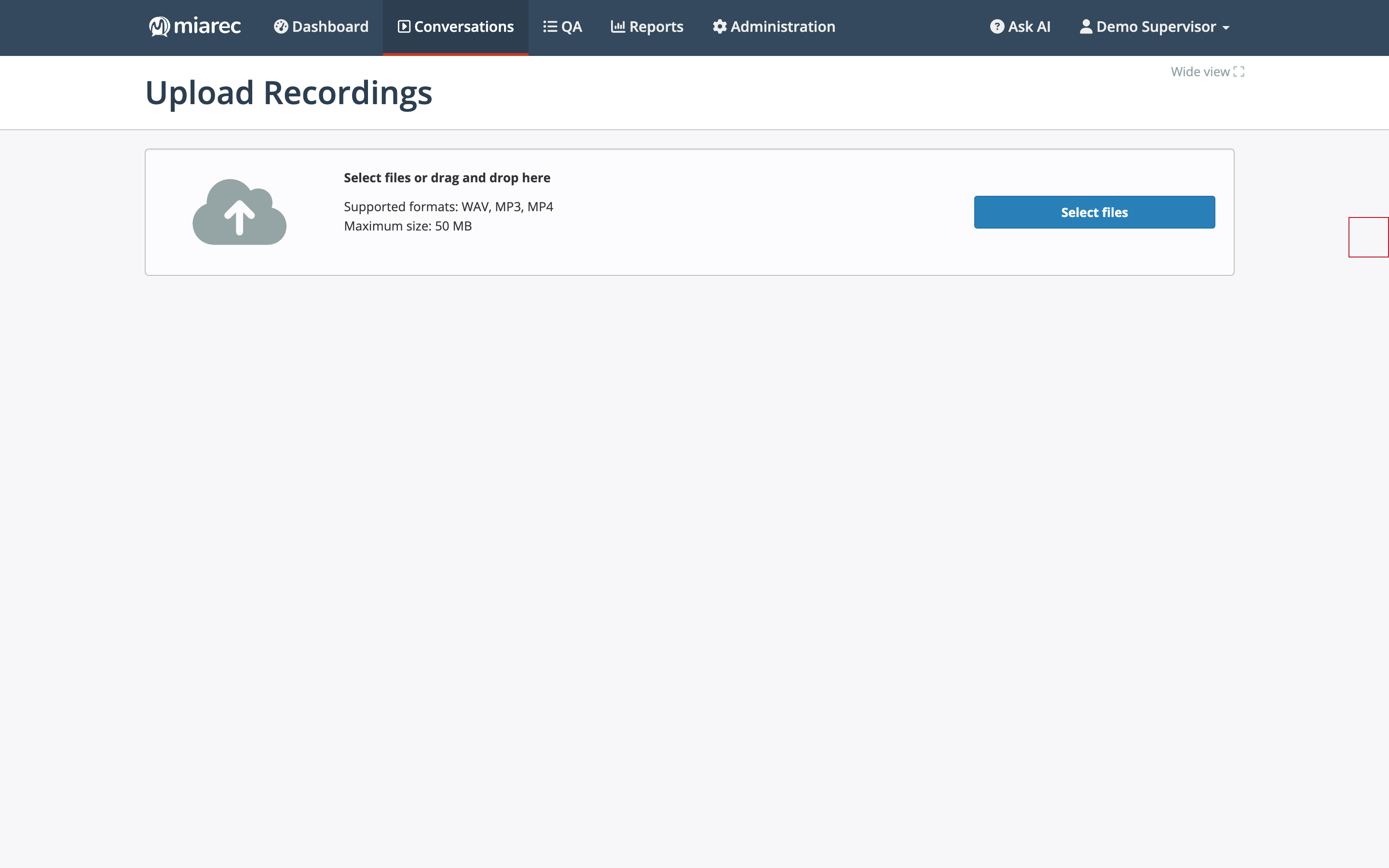
The Upload Recordings page: drag files onto the drop area or use Select files. The page states the supported formats and the current maximum file size.
Formats and size limit
- Supported formats: WAV, MP3, MP4.
- Maximum file size: 50 MB per file by default. The limit is configurable for your organization, and the current value is shown on the upload page.
After the upload completes, the new conversations appear in the Conversations list and are queued for transcription and analysis automatically.