API usage
The API Usage page shows how many web and REST API requests your organization's users and integrations have made, against the request limits set for your organization. It is a read-only statistics page — use it to spot an integration that is hitting its limits, or unexpected spikes in request volume.
To open it, go to Administration › User Authentication › API Usage.
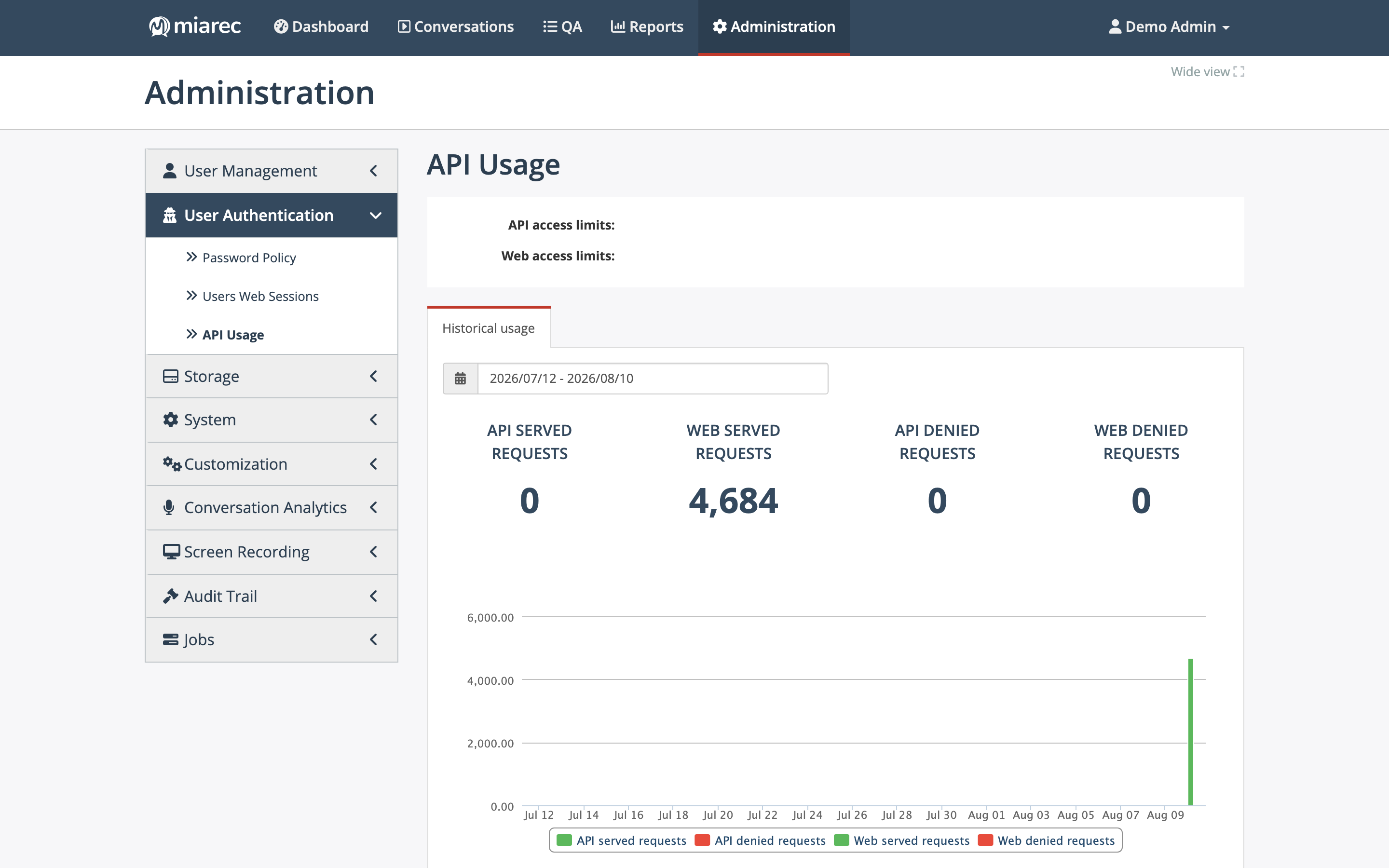
The API Usage page. The counters and chart cover the selected date range; served and denied requests are tracked separately for API and web traffic.
What the page shows
- API access limits and Web access limits — the request limits that apply to your organization.
- Historical usage — for the selected date range: API served requests, Web served requests, API denied requests, and Web denied requests, with a per-day chart.
A denied request is one rejected because a limit was exceeded. If you see denied requests, an integration or user is exceeding the allowed request rate — reduce the request rate, or contact your service provider about the limits.
Managed by your service provider
The API and web request limits for your organization are set by your service provider and cannot be changed here.
Access to the REST API itself is permission-controlled — the REST API permission in the role editor (see Roles and permissions). The API is documented in the REST API Developer Guide.
Related pages
- Web sessions — the interactive counterpart: who is signed in right now.
- Roles and permissions — granting API access.