Conversation analytics
This release fixes the transcription job when the speech engine never returns results, raises the audio file size limit, and adds a setting for the AI assistant silence marker threshold.
Transcription job recovery
Changed behavior for system administrators.
When the speech engine never returns results for an uploaded file, the transcription job now re-uploads the audio automatically and, when the attempts run out, marks the transcript as failed with the reason "Results expired". A failed transcript no longer blocks pushing the call through the job again. Two settings on the transcription job control this: Max wait for results (1 to 168 hours, default 48) and Max upload attempts (1 to 5, default 2). Set Max upload attempts to 1 to disable re-upload. Existing jobs run with the defaults. Waiting for results no longer consumes the job's retry budget.
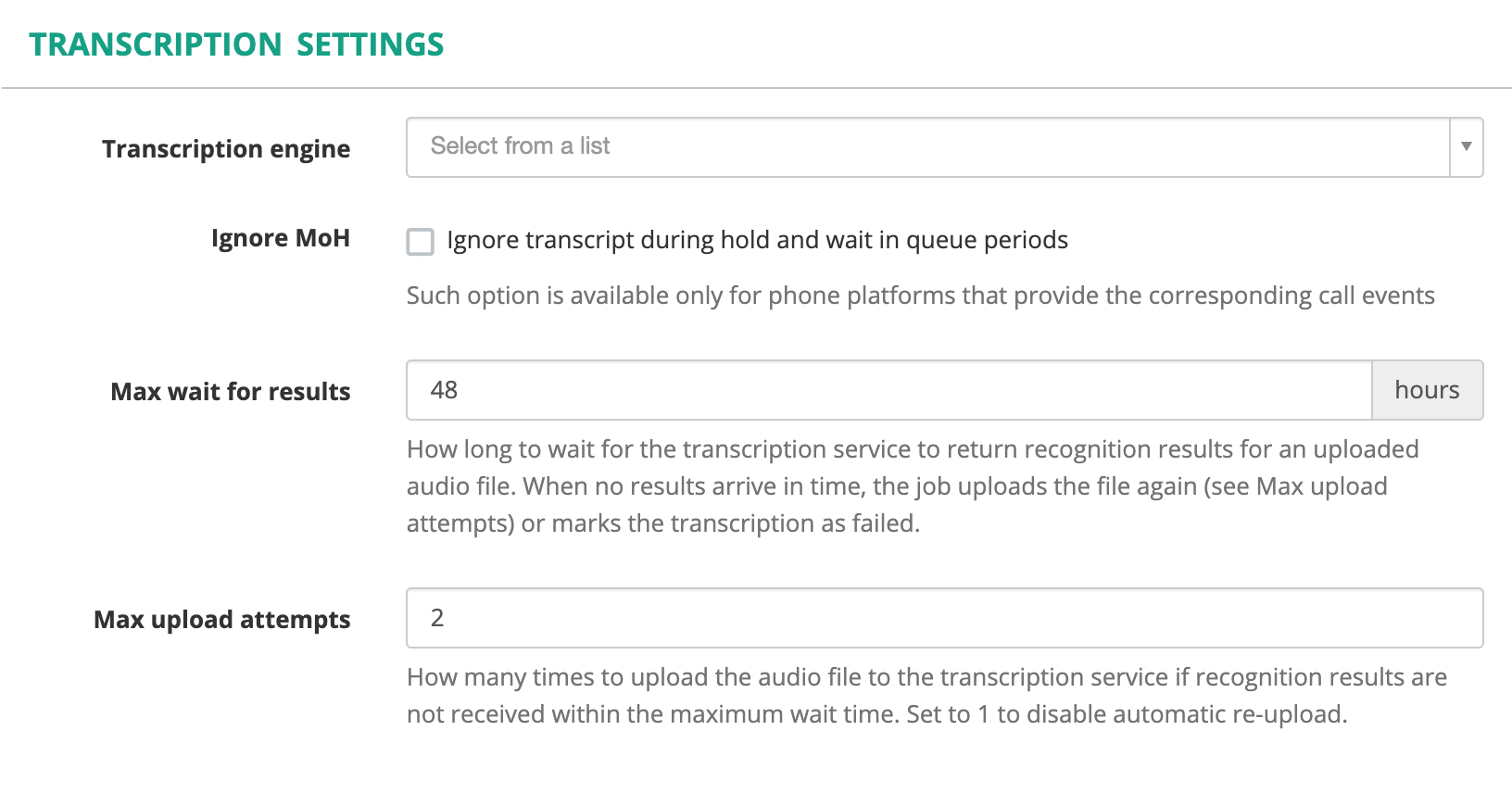
The Transcription Settings panel with the two new settings.
Transcription usage minutes are counted when the transcript is delivered, not at upload. A failed or expired upload is never counted.
See Transcription system configuration and Transcription monitoring and troubleshooting.
Improvements
- Audio upload limit. The MiaRec speech-to-text engine accepts audio files up to 512 MiB, up from 250 MB.
- Silence markers. Administration > System > Advanced Settings has a new AI assistant silence marker threshold (seconds, default 15). Pauses longer than the threshold are marked in transcripts sent to AI assistant jobs. A value of 0 disables the markers. See Advanced settings.