Storage usage
The Storage usage page shows how much recording storage your organization is using, against any limits that apply. Open it under Administration › Storage › Storage Limits. The page is read-only — it is a monitoring view.
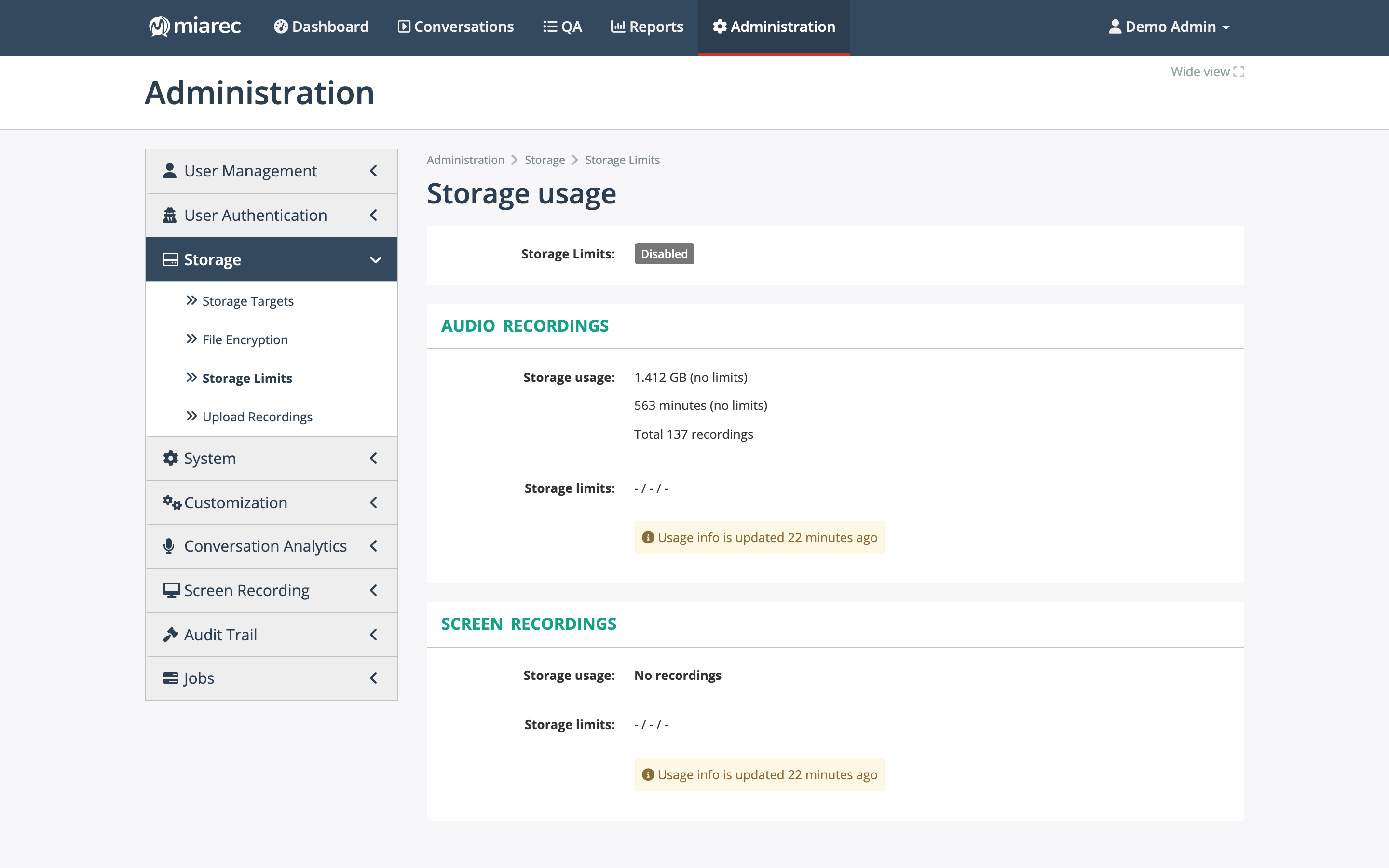
The Storage usage page: separate panels for audio and screen recordings, each showing usage against the configured limits. In this organization storage limits are disabled, so usage is reported with "no limits".
What the page shows
For Audio Recordings and Screen Recordings separately:
- Storage usage — the space used (GB), the recorded minutes, and the total number of recordings. When limits are set, usage is shown as a share of the limit (for example "1.4 of 100 GB (1.4%)").
- Storage limits — the limits configured for your organization, which can be by size (GB), by recorded minutes, and by age (days).
Usage figures are recalculated periodically; a note on the page tells you how long ago the numbers were updated.
Managed by your service provider
Storage limits are set by your service provider — there is no edit control on this page. Contact your provider to change the limits that apply to your organization.
When a limit is reached
When storage limits are enforced and your organization exceeds one, the oldest recordings are removed automatically until usage is back within the limit. Conversations flagged Do-Not-Delete are skipped. See Retention for what deletion means and how to protect specific conversations.