Playing a conversation
Listening to the audio is one way to review a conversation — often you will get the answer faster from the summary or the transcript. When you do need to hear the recording, MiaRec offers two players.
Note
Playback requires the Playback permission on your role. If the play controls are missing, contact your administrator.
Inline player on the Conversations list
On the Conversations list, click a row to expand it. The expanded view includes a basic audio player, so you can listen without leaving the list. If you have the Download permission, the Save audio file button downloads the audio — see Downloading audio.
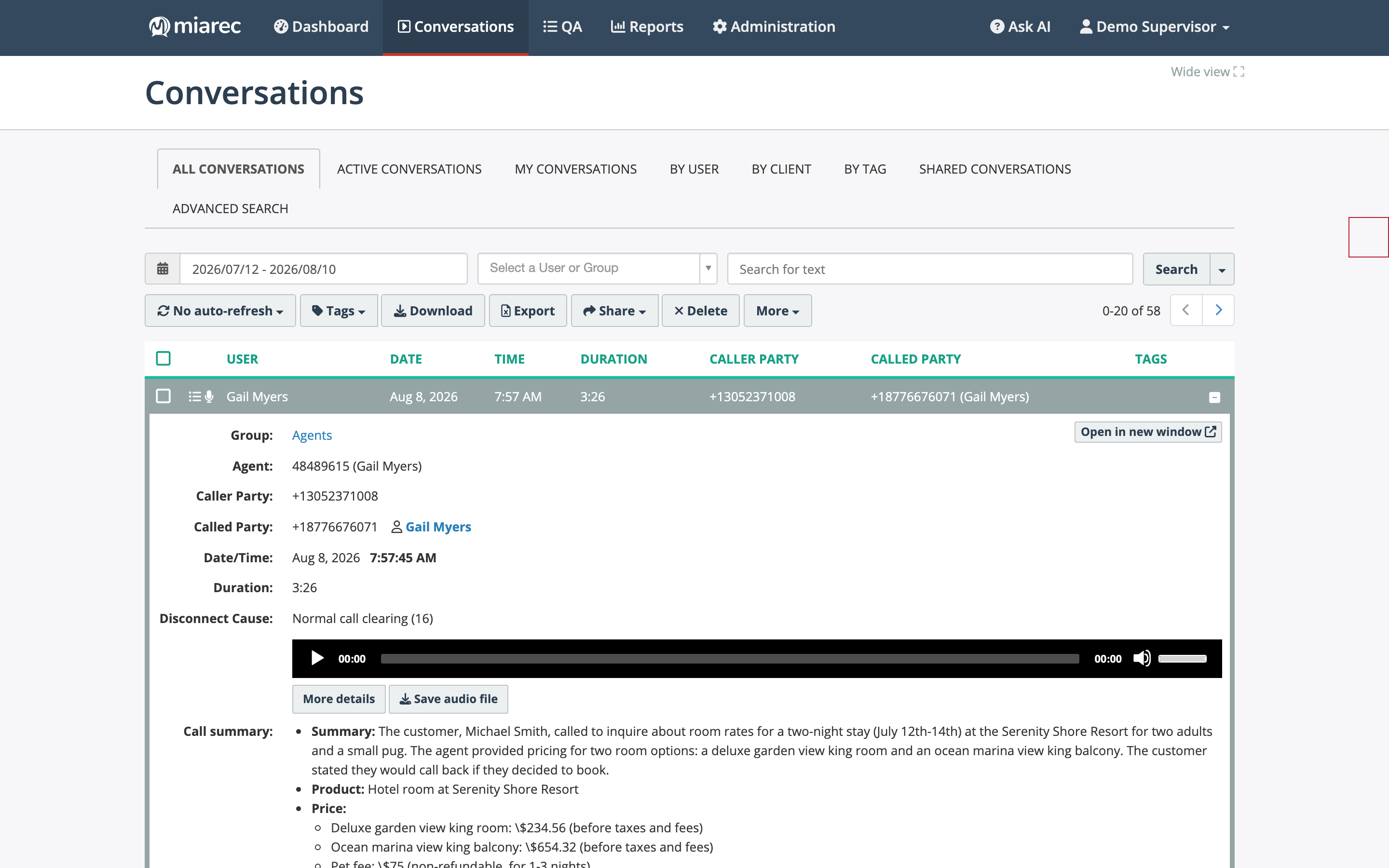
The expanded row includes a simple play/pause player and the Save audio file button.
Advanced player on the detail page
The conversation detail page shows the advanced player with an audio waveform. The waveform makes moments of silence and overtalk visible at a glance, so you can jump straight to the part that matters.
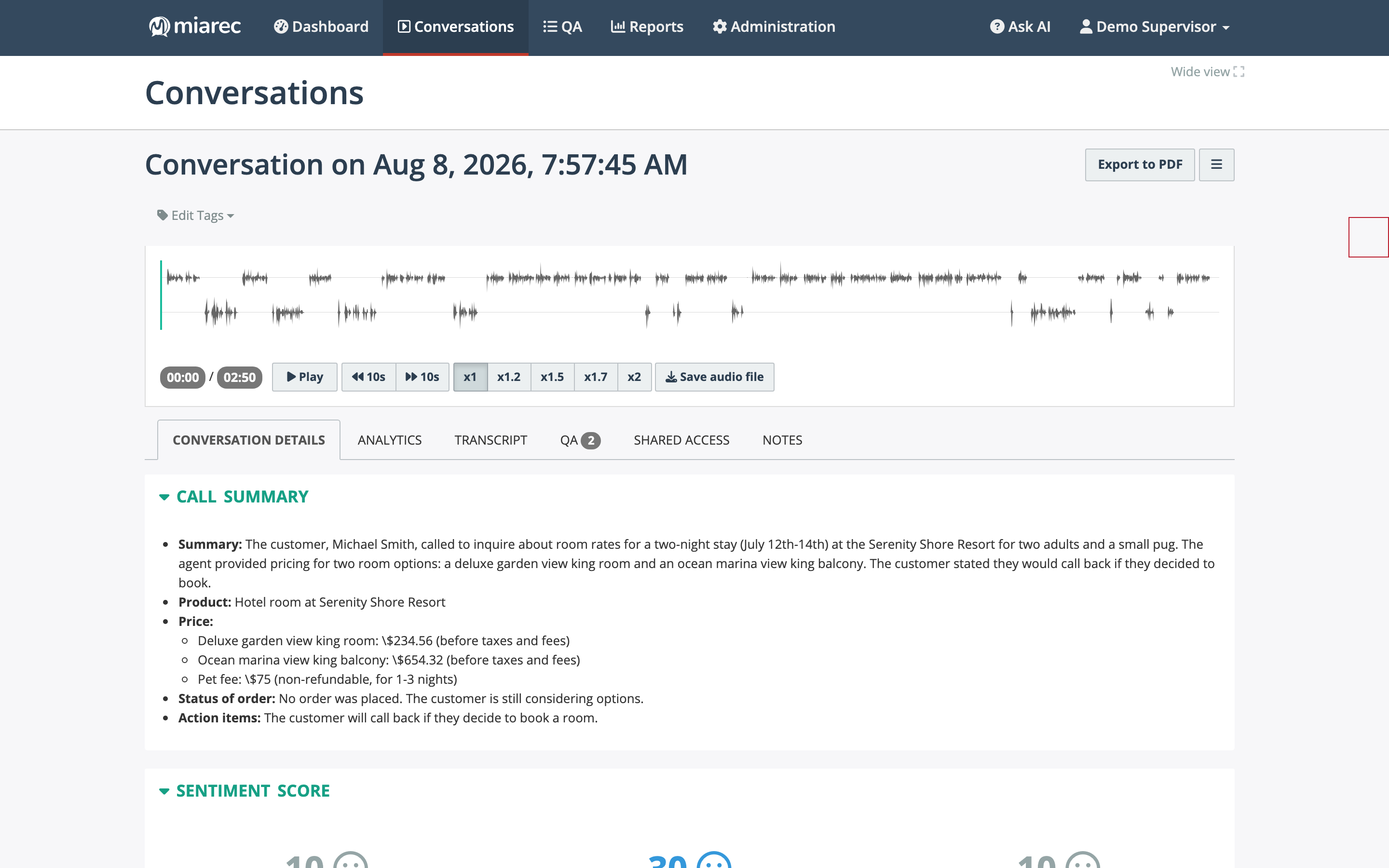
The advanced player at the top of the detail page: the waveform, elapsed and total time, Play, 10-second skip buttons, playback-speed buttons, and Save audio file.
Player controls:
- Play / pause with elapsed and total time.
- 10s skip — jump backward or forward ten seconds.
- Playback speed — x1, x1.2, x1.5, x1.7, or x2. Faster playback is a simple way to shorten review time.
- Save audio file — download the audio (requires the Download permission).
- Click the waveform to jump to any position.
Playback and the transcript
The player and the transcript are linked: while audio plays, the word being spoken is highlighted in the transcript, and clicking any word in the transcript jumps playback to that moment.