Administration Guide
This guide is for the administrators of your organization's MiaRec portal: the people who manage user accounts, control access and security, connect conversation sources, and configure the AI analytics, quality assurance, and data-management settings that everyone else relies on.
If you are looking for day-to-day usage — dashboards, conversations, search, reports, evaluations — see the User Guide. Shared concepts (what a conversation is, roles and access scope, subscriptions and licensing) are defined once in the Overview & Key Concepts guide, and this guide links to them instead of repeating them.
What administrators manage
Administration lives under the Administration item in the top menu. What you can see and change there depends on your role and permissions — see Roles and permissions.
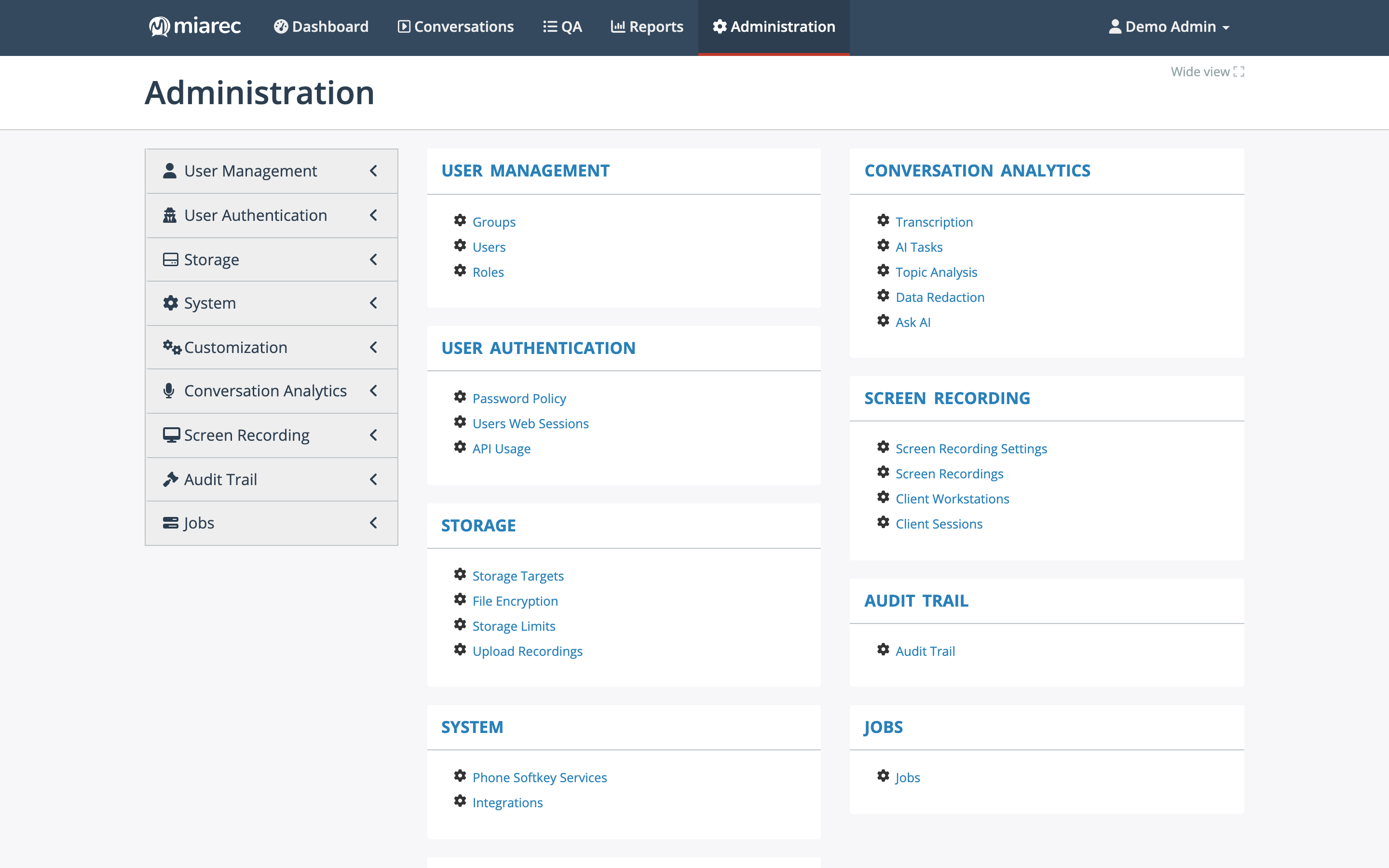
The Administration home page. The sections you see depend on your role's admin permissions; this guide covers each of them.
Provider-managed settings
MiaRec is typically delivered as a service. Some platform-level settings — for example, registering a SAML identity provider, enabling two-step verification methods, or setting storage limits — are managed by your service provider rather than by your organization's administrators. Throughout this guide, such settings are marked with a standard callout:
Managed by your service provider
This is an example of the callout. When a setting is marked this way, your administrators can usually see its current value but cannot change it — contact your service provider or MiaRec support to have it changed.
If a page in this guide describes an option that is not visible in your portal, the cause is usually a subscription, license, or permission difference — see Subscriptions & Licensing.
What's in this guide
- User management — user accounts, groups, roles and permissions, and reporting on users.
- Authentication & security — password policy, single sign-on, two-step verification, active web sessions, and API usage.
- Ingestion (capture) — how conversations enter the platform: recording settings, telephony integrations, uploads, and associating conversations with users.
- Conversation Analytics administration — AI tasks, custom insights, topics, usage limits, and data redaction.
- Quality Assurance administration — QA permissions and Auto QA setup. The scorecard designer itself is documented in the User Guide QA chapter, because supervisors and QA leads manage scorecards.
- Workspace customization — list layouts, custom fields, and branding.
- Data management — storage usage, storage targets, file encryption, and retention.
- Auditing & compliance — the audit trail and audit reports.
- Screen recording — a brief overview and pointers to the dedicated screen-recording documentation.
- Automation — jobs administrators can run and schedule.